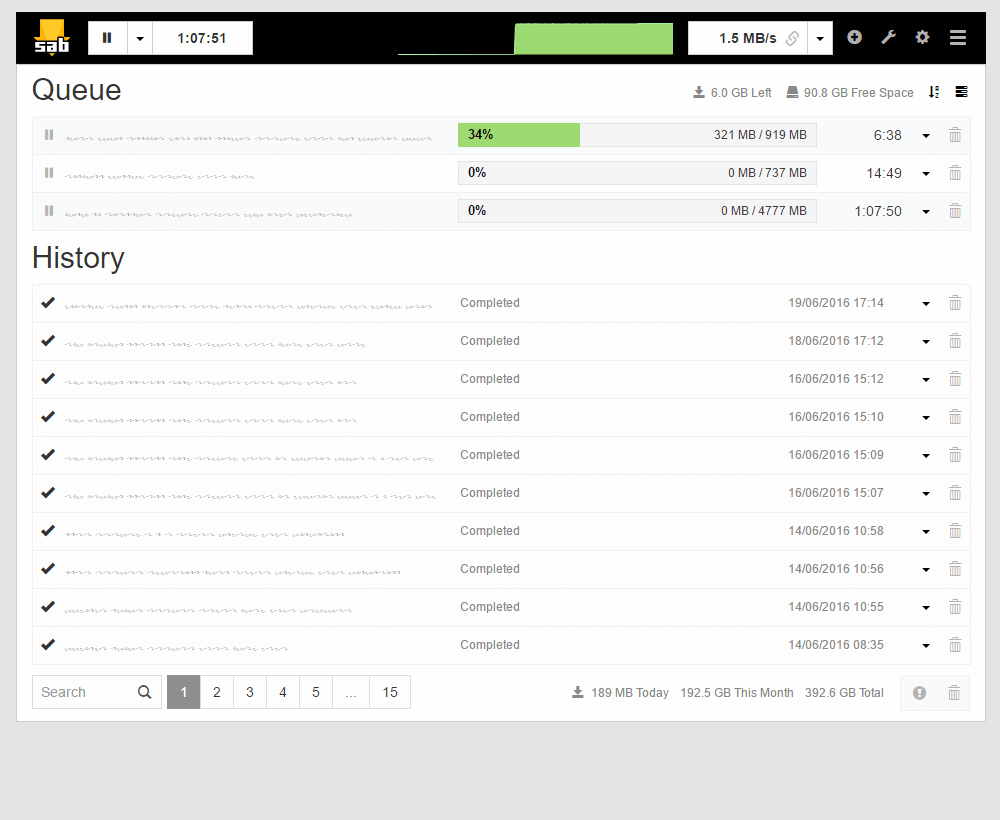
With SABnzbd you can:
- Download files from Usenet automatically
- Check and repair downloads
- Unpack RAR files automatically
- Manage your downloads through a web interface
In this guide we explain how to install SABnzbd and configure it for Hitnews.
Use the settings below when you configure SABnzbd.
- Server
- news.hitnews.com
- Port (with SSL)
- 563 or 443
- Port (without SSL)
- 119
- SSL
- Recommended
- Connections
- 100
Installing SABnzbd
Download SABnzbd
Download SABnzbd from the official website: https://sabnzbd.org/downloads
Start the installation
Open the downloaded installer. Choose your language and click OK.
Accept the license
Read the license agreement and click I Agree.
Choose installation options
Here you can choose, among other things, to:
- Start SABnzbd automatically with Windows
- Create a desktop shortcut
- Open NZB files with SABnzbd
Then click Next.
Choose the installation folder
Keep the default location or choose another folder, then click Next.
Start the installation
Click Install to install SABnzbd.
Finish the installation
Click Finish. SABnzbd now starts and opens automatically in your browser at http://localhost:8080.
Configuring SABnzbd for Hitnews
Start the setup wizard
The first time you use SABnzbd, the setup wizard opens. Choose your language and click Start Wizard.
Add the Hitnews server
Enter the following details:
- Server
- news.hitnews.com
- Port
- 563
- SSL
- On
- Username
- your Hitnews username
- Password
- your Hitnews password
- Connections
- 100
Then click Next.
Finish the setup
The wizard is now complete. SABnzbd restarts and opens the web interface at http://localhost:8080.
Downloading an NZB with SABnzbd
Click Add NZB (the + icon) at the top right. Choose an NZB file and confirm. The download starts automatically.
Importing NZB files automatically (optional)
SABnzbd can pick up NZB files automatically from a watched folder. Go to Config → Folders → Watched Folder and select the folder where you save your NZB files. SABnzbd then downloads every NZB file you place there.
SABnzbd is now ready to use with Hitnews